.png)
 English
 العربية
 Deutsch
 Español
 Français
 Italiano
 Português
 Русский
 Türkçe
 Tiếng Việt
Image Resizer
Free Image Resizer Online, Resize JPG, PNG, WebP & GIF | Vital Converter
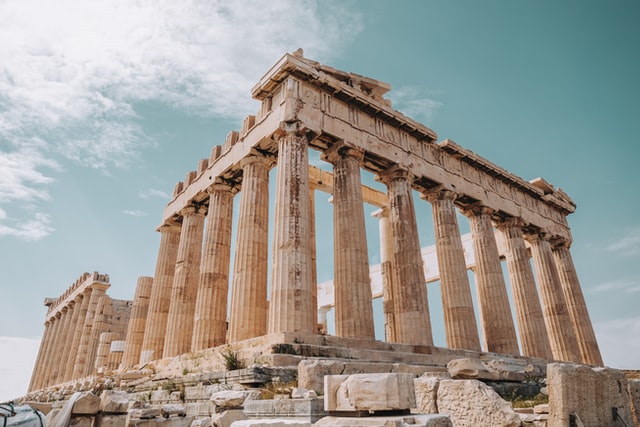
Resize Image







What Is an Image Resizer?
Vital Converter's free Image Resizer lets you resize any image online in seconds, no software downloads, no sign-up required. Upload a JPG, PNG, WebP, GIF, or BMP file, set your target dimensions, and download the resized image instantly.
How to Resize an Image Online
- Upload your image by dragging and dropping it, or click Choose an Image
- Enter your desired width and height in pixels
- Choose your output format (JPG, PNG, WebP, GIF, or BMP)
- Click Resize Image Now and download your result
Frequently Asked Questions
Can I resize an image without losing quality?
Enlarging an image beyond its original dimensions can reduce sharpness. For best results, resize down rather than up, our tool preserves maximum quality within your original resolution.
What image formats does this tool support?
You can upload and export JPG, PNG, GIF, BMP, and WebP files. This covers virtually all common image formats used on the web.
Is there a file size limit?
Yes, the maximum upload size is 5 MB. For larger files, consider compressing your image first using an image compressor.
Is this image resizer free to use?
100% free. No account needed, no watermarks, no limits on how many images you resize.

